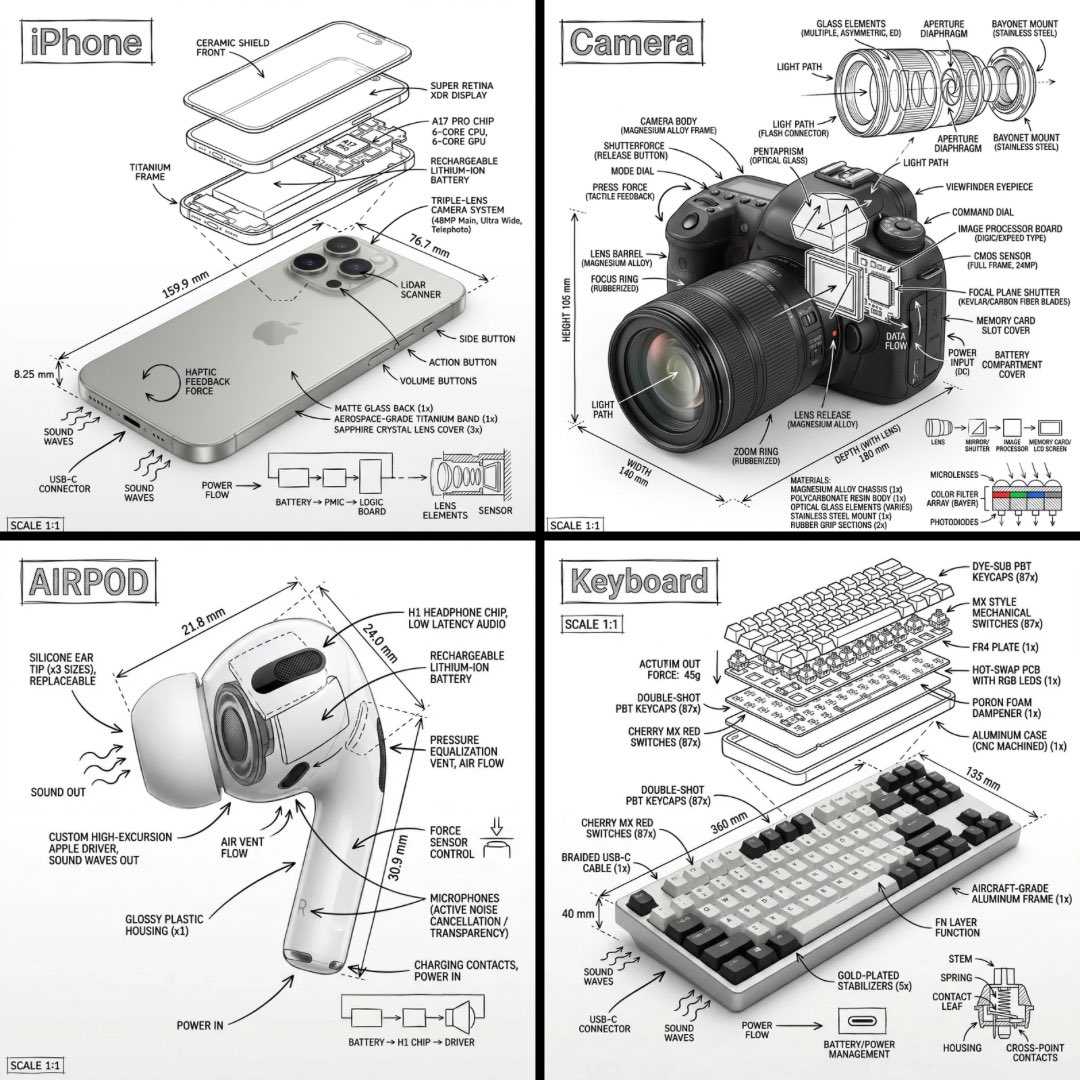
나노 바나나 인포그래픽
Just replace [OBJECT]:✨ “Create an infographic image of [OBJECT], combining a realistic photograph or photoreal render of the object with technical annotation overlays placed directly on top. Use black ink–style line drawings and text (technical pen / architectural sketch look) on a pure white studio background, including: •Key component labels •Internal cutaway or exploded-view outlines •Measurements, dimensions, and scale markers •Material callouts and quantities •Arrows indicating function, force, or flow (air, sound, power, pressure) •Simple schematic or sectional diagrams where relevant Place the title [OBJECT] inside a hand-drawn technical annotation box in one corner. Style & layout rules: •The real object remains clearly visible beneath the annotations •Annotations feel sketched, technical, and architectural •Clean composition with balanced negative space •Educational, museum-exhibit / engineering-manual vibe Visual style: Minimal technical illustration aesthetic, black linework over realistic imagery, precise but slightly hand-drawn feel. Color palette: White background, black annotation lines and text only. No colors. Output: 1080×1080, ultra-crisp, social-feed optimized, no watermark.”
[OBJECT]만 교체하세요:✨ "[OBJECT]의 인포그래픽 이미지를 생성하세요. 실제 사진 또는 사실적인 렌더링된 객체와 그 위에 직접 배치된 기술 주석 오버레이를 결합하세요. 순수한 흰색 스튜디오 배경에 검은색 잉크 스타일의 선 그림과 텍스트(기술 펜 / 건축 스케치 모양)를 사용하세요. 다음을 포함합니다: • 주요 구성 요소 레이블 • 내부 절단 또는 폭발 뷰 윤곽선 • 측정, 치수 및 스케일 마커 • 재료 명칭 및 수량 • 기능, 힘 또는 흐름(공기, 소리, 전력, 압력)을 나타내는 화살표 • 관련 있는 경우 간단한 개략도 또는 단면도 한쪽 모서리에 손으로 그린 기술 주석 상자 안에 제목 [OBJECT]를 배치하세요. 스타일 및 레이아웃 규칙: • 실제 객체는 주석 아래에서 명확하게 보이도록 유지하세요. • 주석은 스케치되고 기술적이며 건축적인 느낌을 줍니다. • 균형 잡힌 네거티브 스페이스를 갖춘 깔끔한 구성 • 교육적, 박물관 전시 / 엔지니어링 매뉴얼 분위기 시각적 스타일: 최소한의 기술 일러스트레이션 미학, 사실적인 이미지 위에 검은색 선 작업, 정확하지만 약간 손으로 그린 느낌. 색상 팔레트: 흰색 배경, 검은색 주석 선 및 텍스트만. 색상 없음. 출력: 1080×1080, 초고화질, 소셜 피드 최적화, 워터마크 없음."】